
Every student, a video studio.

Sanaa for schools
Students learn video by making video, not by watching tutorials.
What your school gets

Exams, in the studio
Students sit the exam on Sanaa. Teachers block the AI tools for the hour of the exam, then open them again.
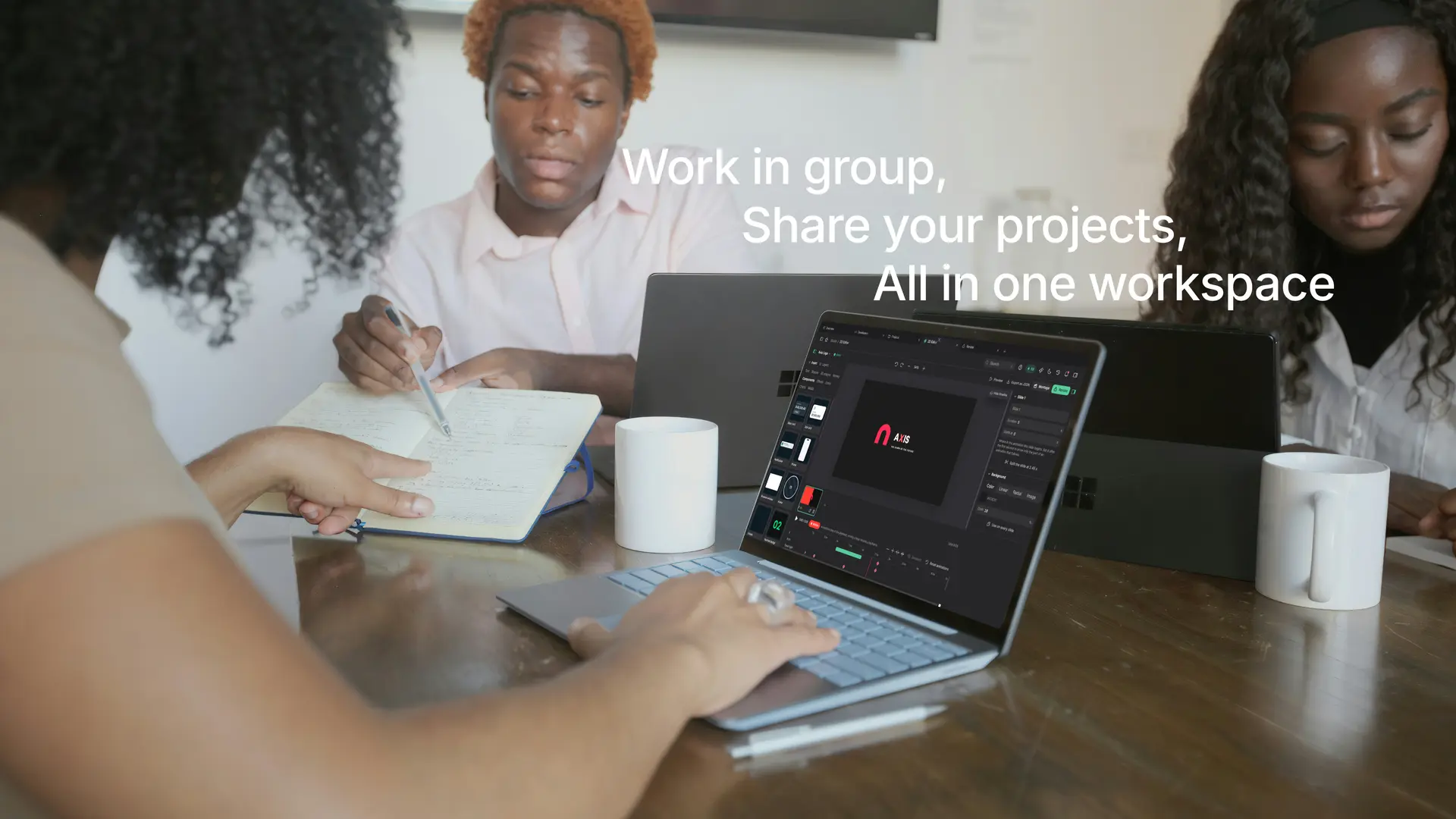
Work in group
Students build one project together and share it in one workspace.
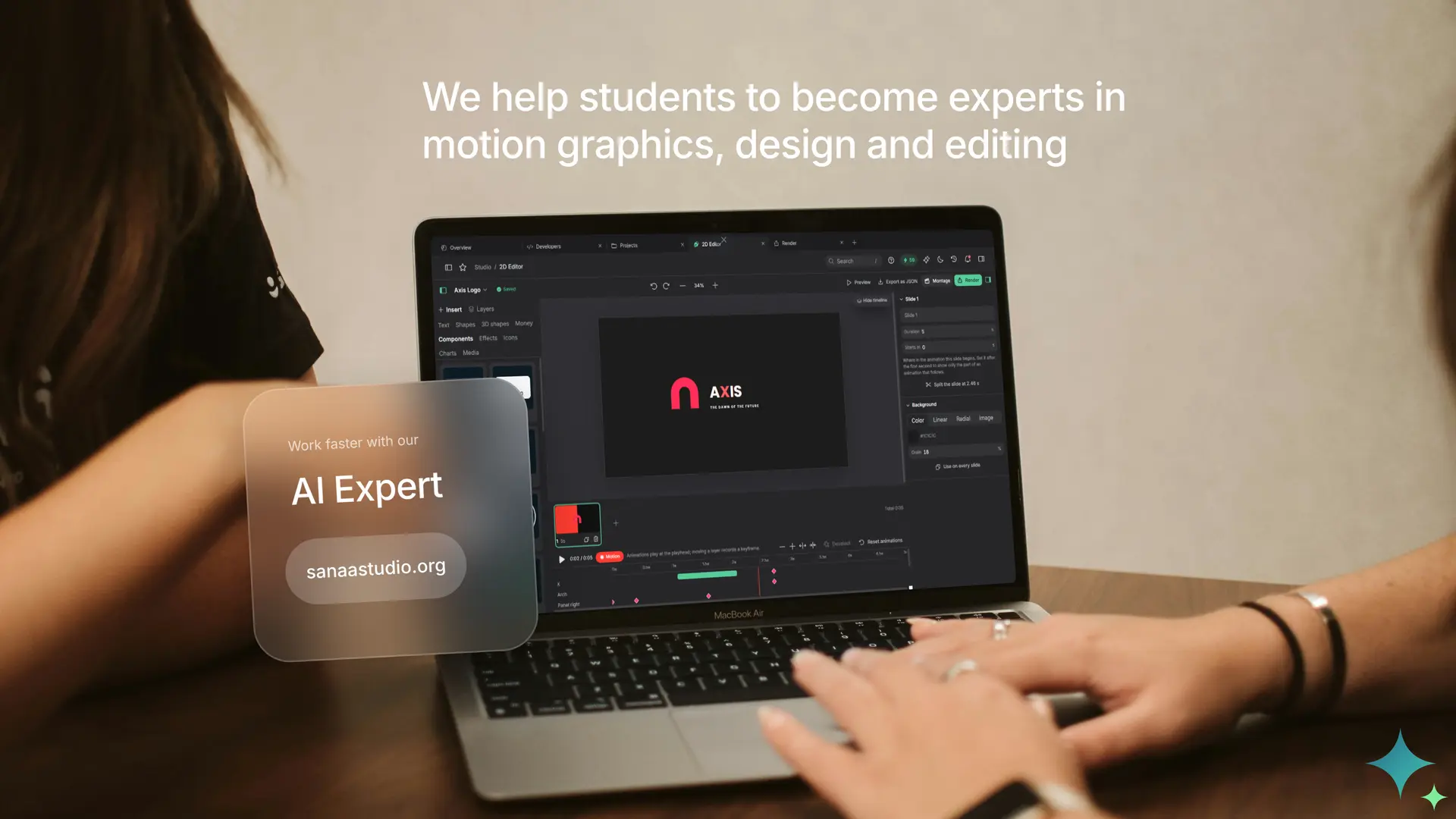
Our experts come to you
Short presentations and training for your teachers, staff and students, at your school.


And behind the scenes
Internships
Our partners and our own team open internships to your best students.
Your own domain
Sanaa runs on an address of your own, on a server tuned and secured for your students, teachers and staff only.
your-school.sanaastudio.orgRoles and limits
Teachers set the roles and the credit limits, and see what everyone makes.
Start free. Pay for power, not for headcount.
A school workspace works on seats. Everyone gets a seat, and you buy Premium or Ultimate seats only for the people who render the most.
- 3 free seats in every school workspace, with no card needed
- Each paid seat brings its own credits and its own storage
- Mix Premium and Ultimate seats on the Ultra plan
- Monthly or yearly billing, and a one-week pass for exam periods or projects
Tell us about your school
A few details are enough. The schools team reads every request and writes back to you, in French or English.
What school leaders ask
How is a school workspace different from a personal account?
A school workspace is shared: projects, files, credits and storage belong to the school, members have roles, and supervisors can set credit limits and follow activity. A personal account belongs to one person.
Can we try it before we commit?
Yes. Every workspace includes 3 free seats with no credit card. You can start creating at once and talk to us when you want to bring in the whole school.
How do we create our school workspace?
Write to our schools team. We set up the workspace with you, and each school can have its own address on a subdomain of the studio. Supervisors then invite students by e-mail, up to 25 at a time.
Who can see and change student work?
Supervisors can open and manage what the school produces. Students edit their own work. View-only students can watch but never change anything. Every change to members and every render is recorded in the activity feed.
How do we control spending?
Credits are shared in the workspace and each student can be given a monthly credit limit. Designing costs no credits: only renders, voiceovers and assistant steps do, so students can practise freely.
Does it work on a weak connection or old devices?
Yes. Rendering is done on our servers, uploads resume after a drop, and a light 720p copy arrives first. A modest phone or laptop is enough.
Which languages are supported?
The studio is available in French and English. Scripts can be written in about 30 languages and voiceovers are available in 13 languages, including Swahili, Hausa, Yoruba and Lingala.
What happens to student accounts when they leave?
Supervisors remove a member from the Team page. The school keeps the projects and files made in its workspace.
Do you provide an invoice and a contract?
Yes. Schools get a service agreement that follows the plan and branded PDF invoices that carry the legal details you enter.

Bring Sanaa to your school.
Tell us about your school and we will set up your workspace with you.